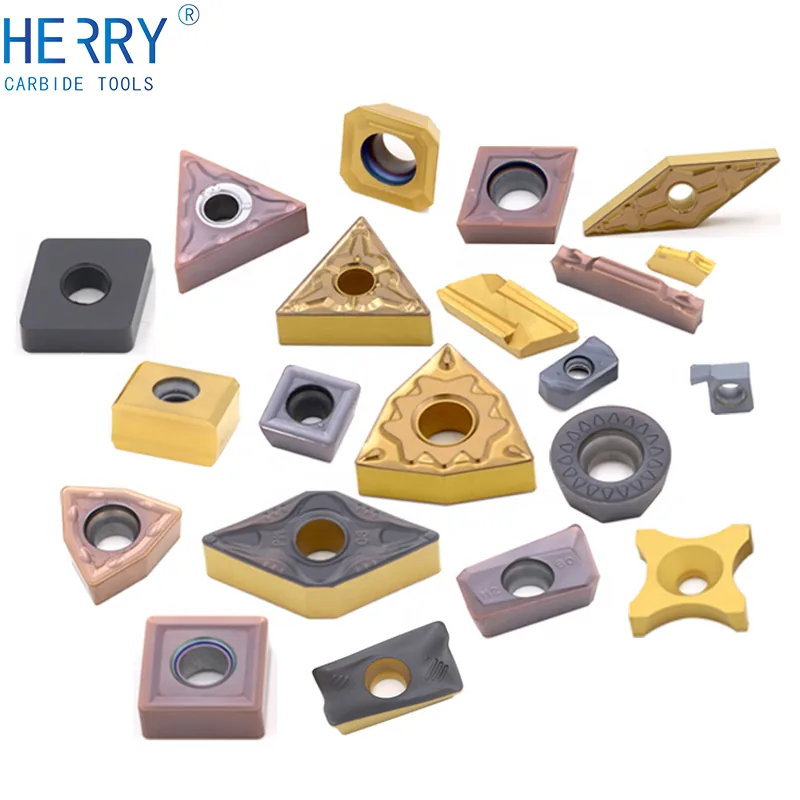
Start with the ISO material group, then define the operation, geometry and grade before comparing cutting data.
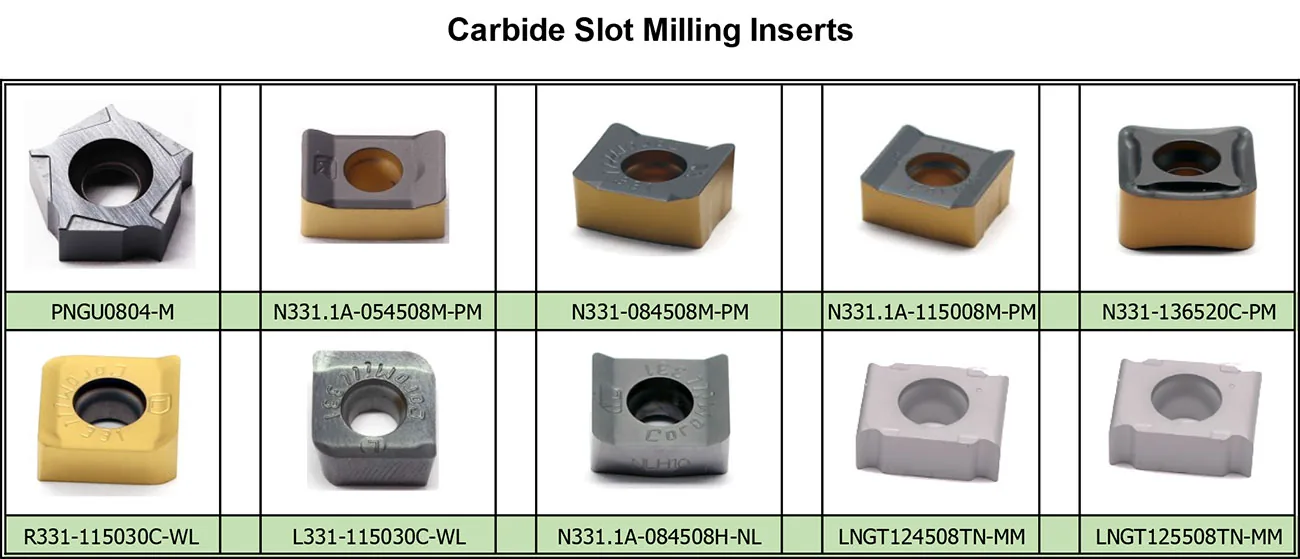
Carbide Insert Selection Guide: Workpiece, Geometry, Grade and Application
Use this engineering workflow to prepare a more complete insert RFQ and avoid choosing by material name or coating color alone.
Selecting a carbide insert starts with the workpiece, not with a universal “best grade.” A useful recommendation combines the material group, actual hardness, machining operation, insert geometry, tool-holder condition and the result you need to improve.
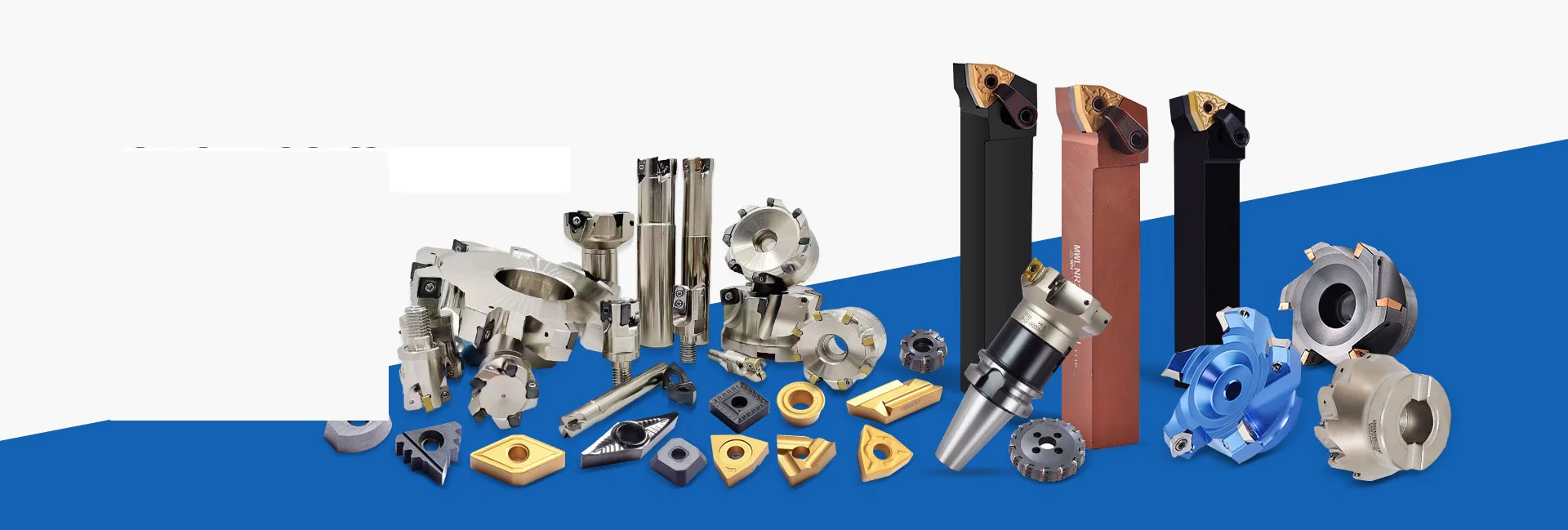
1. Identify the workpiece material and hardness
ISO material groups organize the first conversation. They do not replace the exact grade, hardness or condition. “Stainless steel” and “steel” are too broad for a final recommendation because materials within each group behave differently.
| ISO group | Workpiece family | Useful RFQ inputs |
|---|---|---|
| P | Steels | Steel grade, hardness, condition, continuous or interrupted cut |
| M | Stainless steels | Stainless grade, work hardening, chip control and coolant |
| K | Cast irons | Cast iron type, skin condition, operation and required finish |
| N | Non-ferrous metals | Aluminum or other alloy, built-up edge and chip evacuation |
| S | Heat-resistant alloys and titanium | Exact alloy, hardness, heat generation and current failure mode |
| H | Hardened materials | Measured hardness, finishing allowance and machine stability |
2. Define the operation before the insert shape
State whether the work is external or internal turning, face or shoulder milling, slot milling, grooving, threading or boring. Add the machining direction, depth-of-cut range, interrupted-cut condition and tool-holder interface. These details help distinguish inserts that share a similar appearance but serve different applications.
3. Match geometry and chip control to the job
Geometry affects edge strength, chip formation, cutting forces and surface finish. Describe the current chip shape, vibration, built-up edge, flank wear, chipping or finish problem. A photograph of the used edge and chips can add useful evidence, but it should accompany the material and operating information rather than replace it.
4. Discuss grade and coating as one system
Carbide substrate, cermet option, PVD or CVD coating route and uncoated tools should be evaluated together with geometry and application. Coating color is not a reliable selection rule. For aluminum, stainless steel, titanium or hardened material, the exact alloy and condition remain essential.
5. Compare tool life using a common baseline
Record the existing insert model and grade, parts produced, failure mode and cutting conditions. Without this baseline, a percentage tool-life improvement cannot be verified. Start with a controlled trial after the recommended model and grade are agreed, then record the result using the same material and operation.
6. Prepare a complete RFQ
- ISO model, engineering drawing or clear sample identification.
- Workpiece grade, hardness and condition.
- Operation, tool holder and machine information.
- Current tool, result and the problem to improve.
- Quantity, destination and required inspection or packaging documents.